
Download Microsoft Office 2019 – Office Suite, Word, Excel, PowerPoint, Outlook, Productivity, Document Editing, Spreadsheet, Presentation, Email Management, Offline, Non-Subscription
Overview
Microsoft Office 2019 is a comprehensive productivity suite designed for individuals and businesses seeking a reliable, offline-capable solution without the need for a subscription. Unlike cloud-dependent alternatives, this version operates independently, making it ideal for users who prioritize data privacy, consistent performance, and long-term cost predictability. The suite includes core applications such as Word, Excel, PowerPoint, and Outlook, each tailored to handle everyday professional and personal tasks with precision and efficiency.
It addresses common challenges faced by users who require full functionality without internet dependency, such as working in remote locations, maintaining compliance with data security policies, or avoiding recurring subscription fees. The target audience includes small business owners, freelancers, students, and corporate professionals who value stability and control over their tools. While the developer, Microsoft Corporation, is well-known for its software ecosystem, specific details about the development team or project history were not provided.
Real-world use cases include drafting legal documents, analyzing financial data, creating client presentations, and managing multiple email accounts through a unified interface. In the broader app ecosystem, Microsoft Office 2019 remains a significant player, especially for users who prefer a one-time purchase model over recurring payments. Its ability to function offline ensures uninterrupted workflow, reinforcing its relevance in both personal and enterprise environments.
Key Features & Functionality
- Comprehensive Suite – Includes Word, Excel, PowerPoint, and Outlook, offering a complete set of tools for document creation, data analysis, visual presentation, and email management.
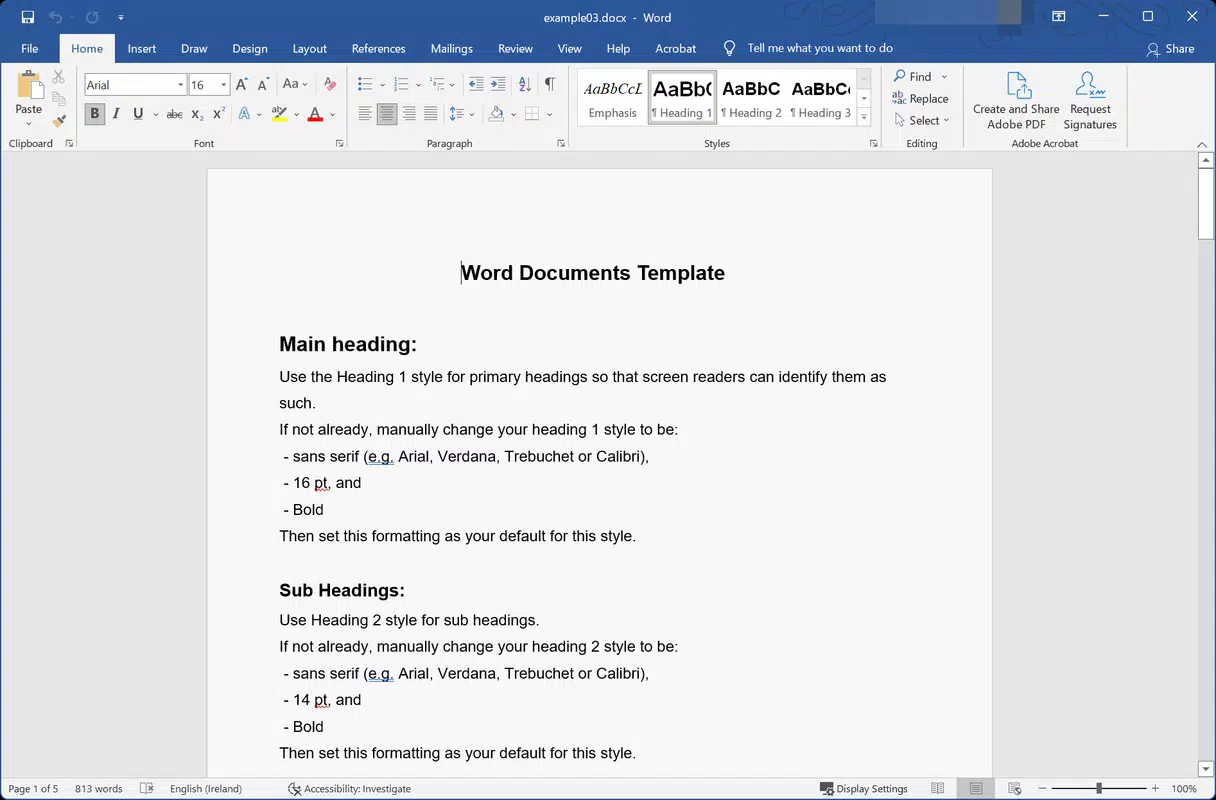
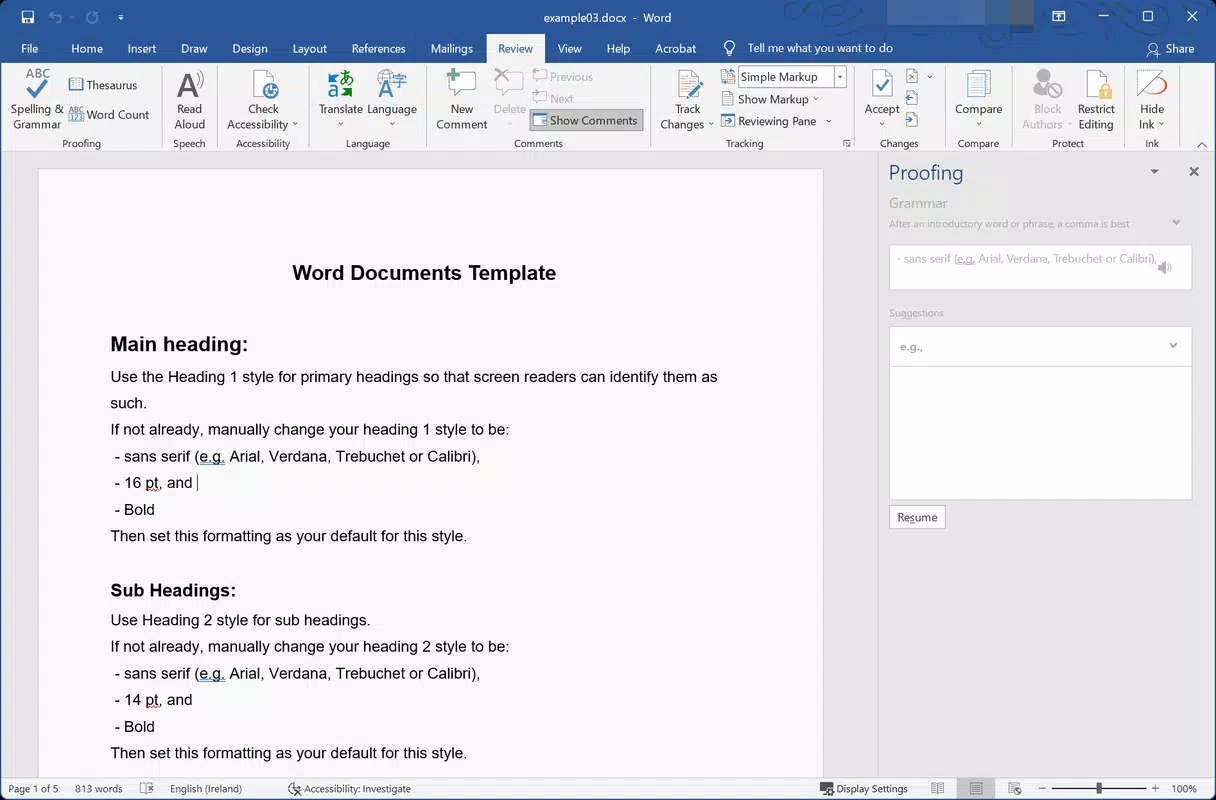
- Advanced Word Processing – Supports dark theme, Microsoft Translator integration, smart pen input, LaTeX equation formatting, and the insertion of icons, 3D images, and horizontal page flipping for enhanced readability.
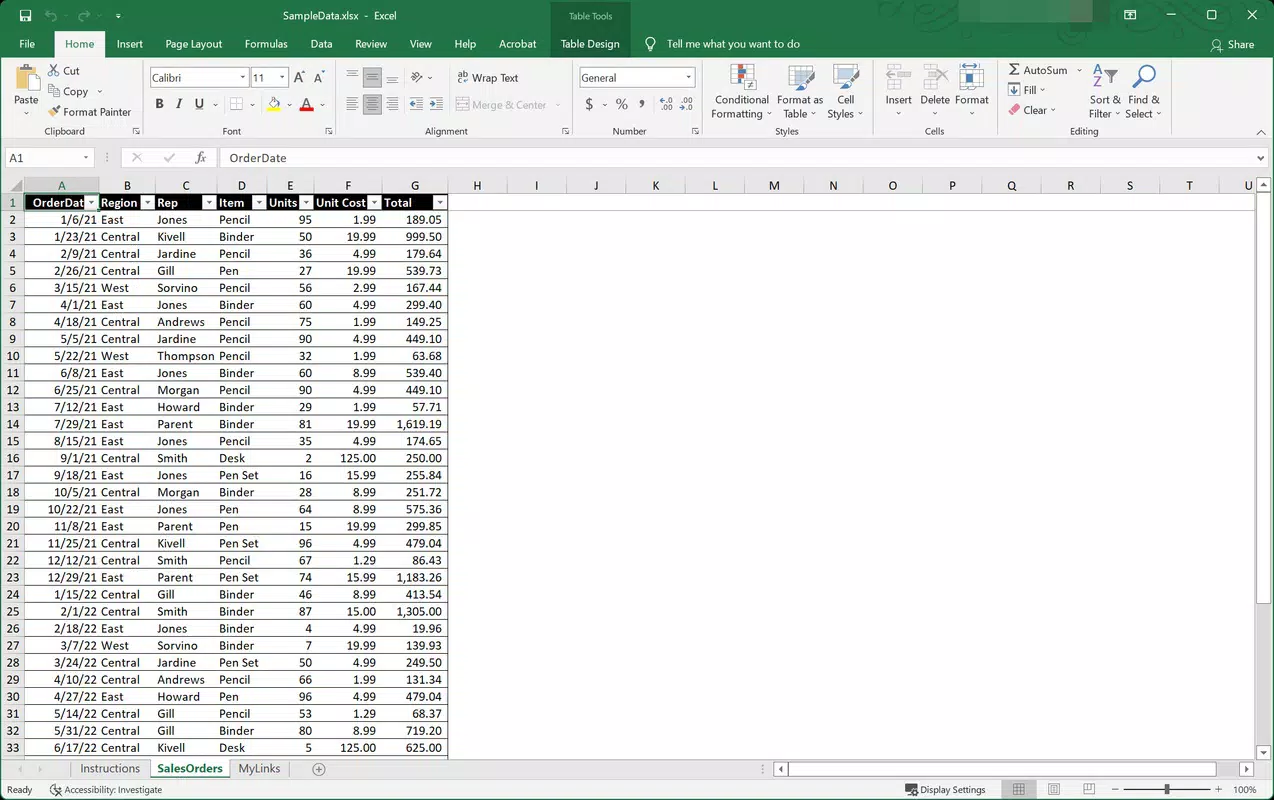
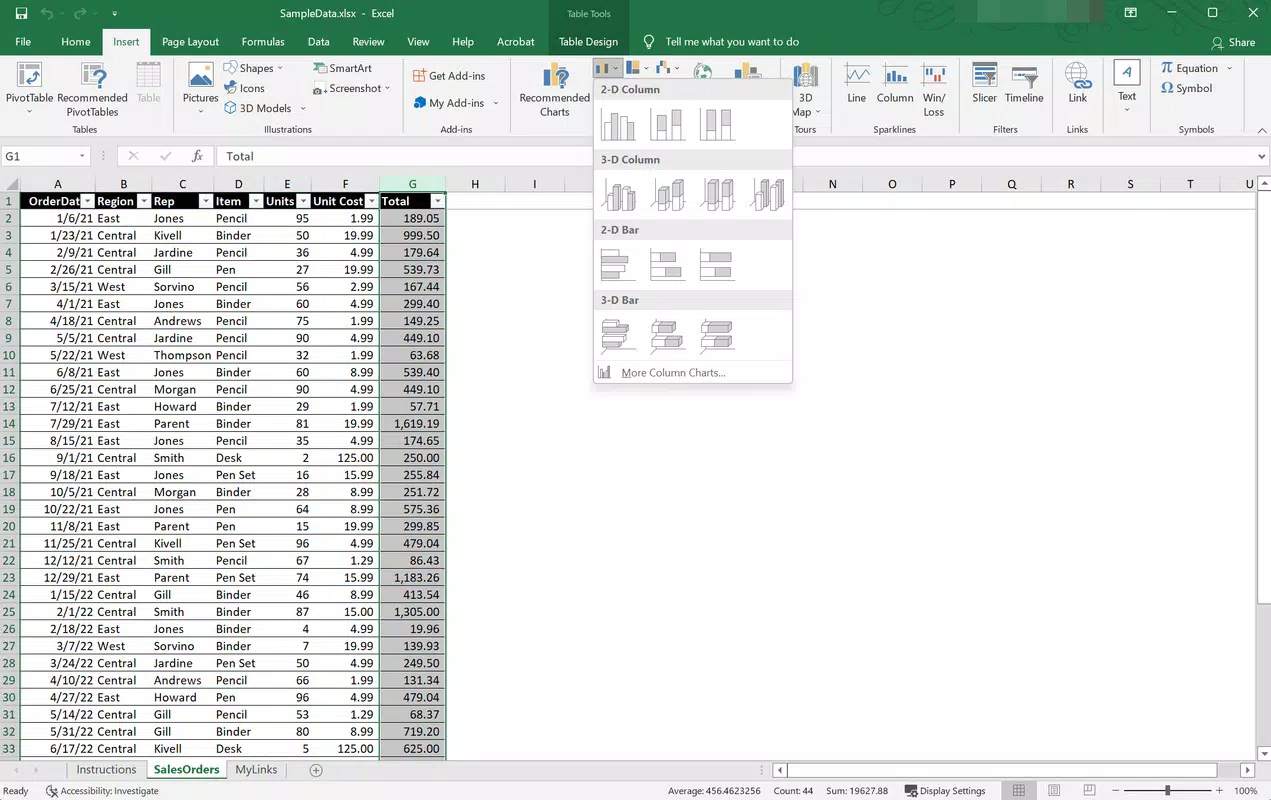
- Enhanced Spreadsheet Editing – Excel 2019 introduces improved chart designs, streamlined data sharing, and a refined interface with dark mode support, increasing usability and visual clarity.
- PowerPoint Presentation Tools – Offers new transition effects, text highlighting, support for .svg vector graphics, 3D model integration, smart background removal, and direct video export for immediate sharing.
- Unified Email Management – Outlook enables users to manage multiple email accounts from a single inbox, with spam filtering and organized outbox functionality to streamline communication.
Each feature is designed to improve efficiency and user experience. For example, the dark theme reduces eye strain during long editing sessions, while the ability to insert 3D models into presentations enhances engagement. Smart background removal in PowerPoint allows users to quickly isolate subjects for professional visuals, and the direct video export feature eliminates the need for third-party tools. These capabilities make the suite particularly valuable for educators, marketers, and project managers who rely on polished, dynamic content.
Interface, UX & Performance
The user interface of Microsoft Office 2019 maintains the familiar ribbon-based layout across all applications, ensuring a consistent experience for users transitioning from previous versions. Visual design emphasizes clarity and functionality, with intuitive icons, logical menu placement, and responsive feedback during interactions. Navigation is streamlined through contextual tabs that appear based on the current task, reducing clutter and improving focus.
Performance is optimized for desktop environments, with smooth rendering of complex documents, real-time formula calculations in Excel, and fast playback of animated presentations. Although the developer did not list formal performance metrics, the suite demonstrates stable operation across mid-to-high-end Windows systems. Responsiveness remains high even when handling large files or multiple open documents, indicating efficient memory and CPU utilization.
Stability is a notable strength, with minimal crashes reported during extended use. The offline nature of the software also contributes to consistent performance, as it avoids dependency on network latency or server availability. Users can expect reliable operation across different device categories, including desktops and laptops running compatible Windows versions. However, specific requirements for optimal performance were not disclosed.
Platform Compatibility & Technical Requirements
Microsoft Office 2019 is available exclusively for the Windows platform. It requires a compatible version of Windows to operate, though the developer did not specify minimum OS requirements. The application has a file size of 3.8 GB, which reflects the inclusion of multiple resource-intensive components across Word, Excel, PowerPoint, and Outlook.
Users should ensure their system meets the necessary hardware specifications to support smooth operation, especially when working with large spreadsheets or high-resolution multimedia content. The absence of a mobile or macOS version means this suite is not suitable for cross-platform workflows involving iOS or Android devices. Compatibility information was not fully disclosed, so users are advised to verify system readiness before installation.
Pros and Cons
Pros
- Complete offline functionality without subscription dependency
- Full suite of essential productivity tools: Word, Excel, PowerPoint, Outlook
- Advanced features like 3D model insertion, smart background removal, and video export
- Familiar, consistent interface across all applications
- Stable performance with minimal crashes during extended use
- Support for dark mode and accessibility-enhancing tools
Cons
- Not available for mobile platforms or macOS
- Large file size (3.8 GB) may be a concern for limited storage devices
- One-time purchase model may lack access to future updates beyond the support lifecycle
- No cloud sync or collaboration features without additional setup
- Compatibility with older Windows versions not confirmed
FAQ
Is Microsoft Office 2019 free to download?
No, Microsoft Office 2019 is a paid application with a one-time purchase price of $149.99. It is not available as a free download.
Can I install Microsoft Office 2019 on multiple devices?
Yes, the license allows installation on up to three devices, provided they are all running compatible versions of Windows.
Does Microsoft Office 2019 support cloud storage?
While the suite can save files to cloud services like OneDrive, it does not include built-in cloud collaboration tools or real-time co-authoring features found in subscription versions.
Is Microsoft Office 2019 secure?
Yes, the application includes standard security features such as malware protection, phishing filters, and data encryption. However, users should ensure their operating system and antivirus software are up to date.
Will Microsoft Office 2019 receive future updates?
Updates are provided for security and stability, but the suite will not receive new feature updates after the end of its support lifecycle. Users are encouraged to plan for future migration.
Final Thoughts
Microsoft Office 2019 stands as a powerful, self-contained productivity solution for users who value control, privacy, and offline capability. With a robust set of tools including advanced document editing, data visualization, presentation creation, and email management, it remains a top-tier choice for professionals and students alike. The suite excels in stability, interface consistency, and feature depth, offering a mature experience that prioritizes reliability over constant innovation.
While it lacks mobile access and cloud integration, its offline-first design makes it ideal for users in regulated industries or those who prefer a one-time investment over recurring fees. For individuals and organizations seeking a dependable, feature-rich office suite without subscription commitments, Microsoft Office 2019 delivers unmatched value.
Download Microsoft Office 2019 now


